
My game
Describe your game once, even before it has a Steam page, and the calendar, charts and niche screens open set up for it. A line under the header says what was applied.
Open My game →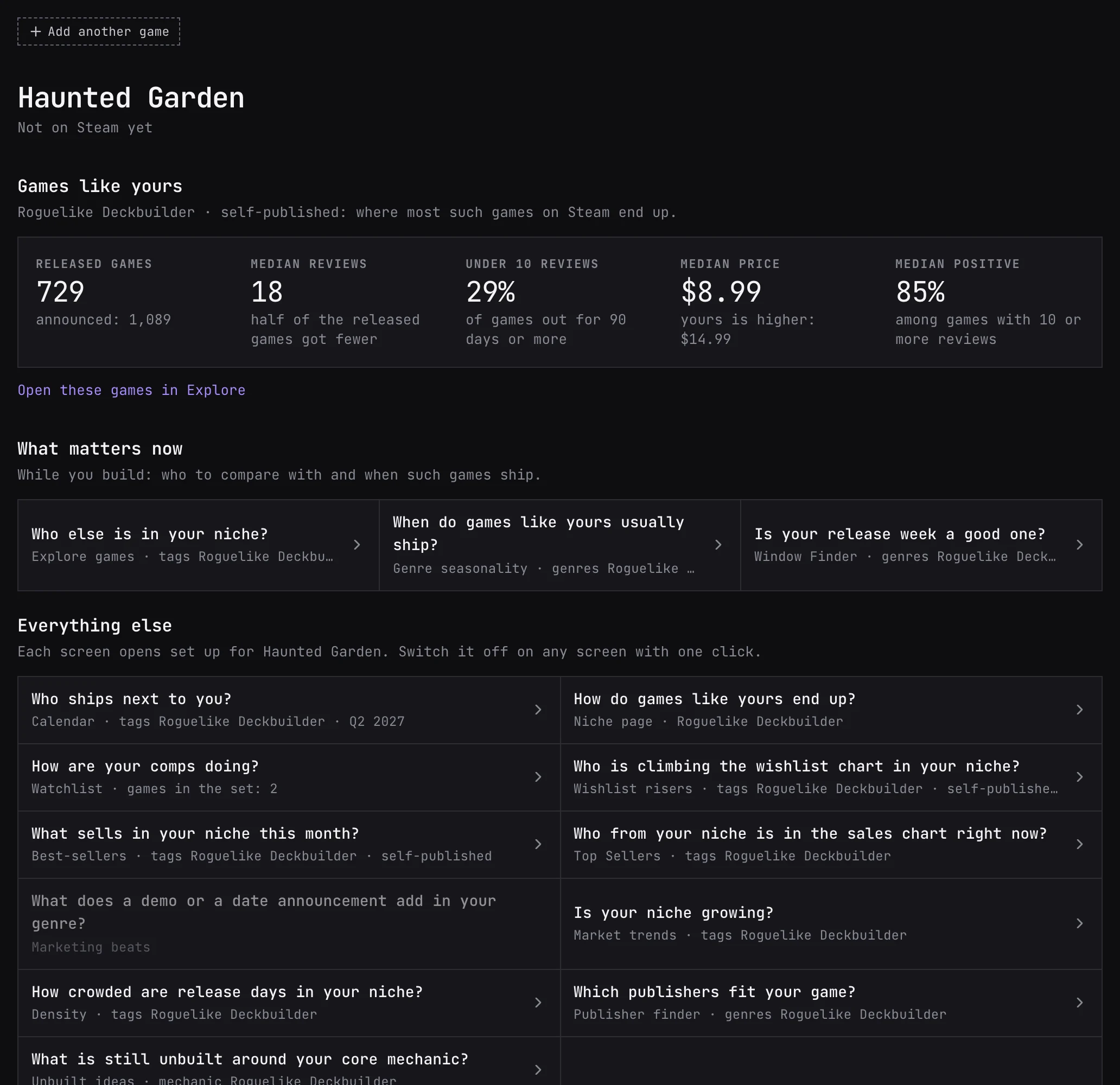
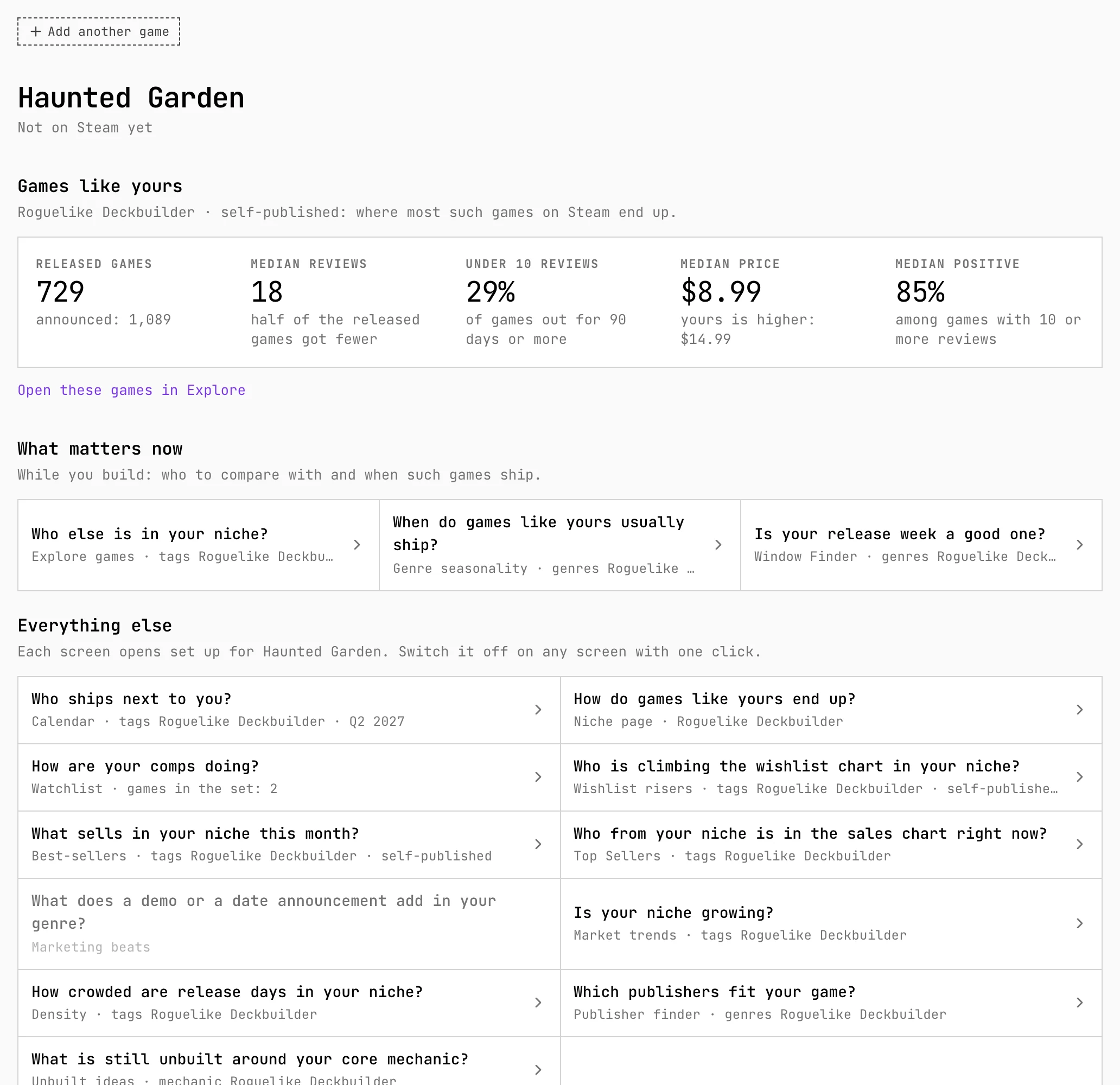
- Start. Paste a Steam link or search by title, and the tags, release date and price come from the store page. Or start from a game you would call a comp and change what differs, or describe it by hand: nothing has to be final. Pitch comps can also start a profile from your pitch.
- Tags sit in fields by Tag Tree group: genre, mechanics, setting, story, mood, visual style, camera, players and 18+, up to 16 tags in all. In filter marks the fields that set up the other screens; Genre is marked by default.
- Release, price, publishing and stage. The planned release is a week, a month or a quarter, or not decided. The price is used only by Explore, and only if you mark it. Publishing is undecided, self-published or with a publisher. The stage, from idea to released, decides which questions come first under What matters now.
- Steam page and comps. Once the store page is live, attach it: Your plan and the Steam page shows where the profile and the page disagree, and Take from Steam copies the page’s value. Comps are up to 10 games you compare yours with.
- Screens it sets up. Calendar opens on your release period with your tags, Window Finder gets your genres and the weeks around your date, and Density, Market trends, Top Sellers, Wishlist risers, Best-sellers, Explore games and the publisher finder get your tags. Watchlist opens your game with its comps.
- The line under the header reads Set up for … when a screen shows your game and Differs from … after you change a filter. Show whole market drops the profile, Apply my game brings it back, and Save to my game puts the screen’s tags into the profile.
- Several games. The switch in the header turns the mode on and off for every screen and changes the active game. Without an account the profile holds one game and lives in this browser; signed in, games are saved to your account, and how many depends on the plan.
Worth knowing
- A screen takes the profile only when you open it with a bare address. A link that already carries filters opens as it is, so a shared link shows everyone the same thing.
- The profile is private: nobody else sees it. A game made before signing in moves to your account if the plan has room for it.