
Calendar
Answers one question: who else ships in your window. Pick any week, month, quarter or year, past or future, and see every release in it, sized by demand.
Open Calendar →

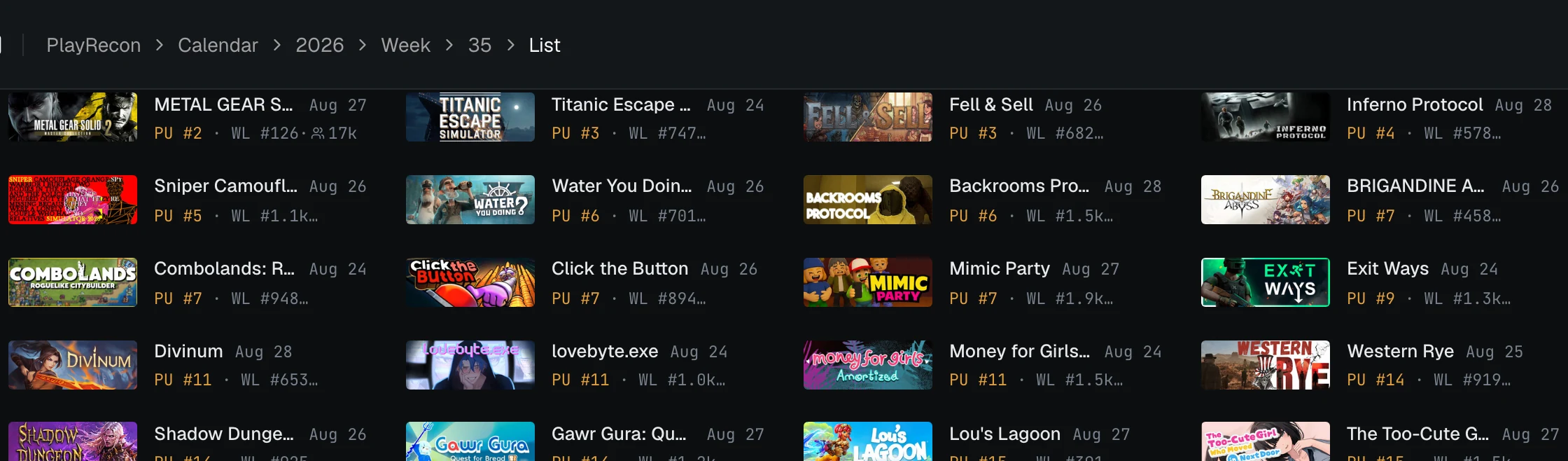
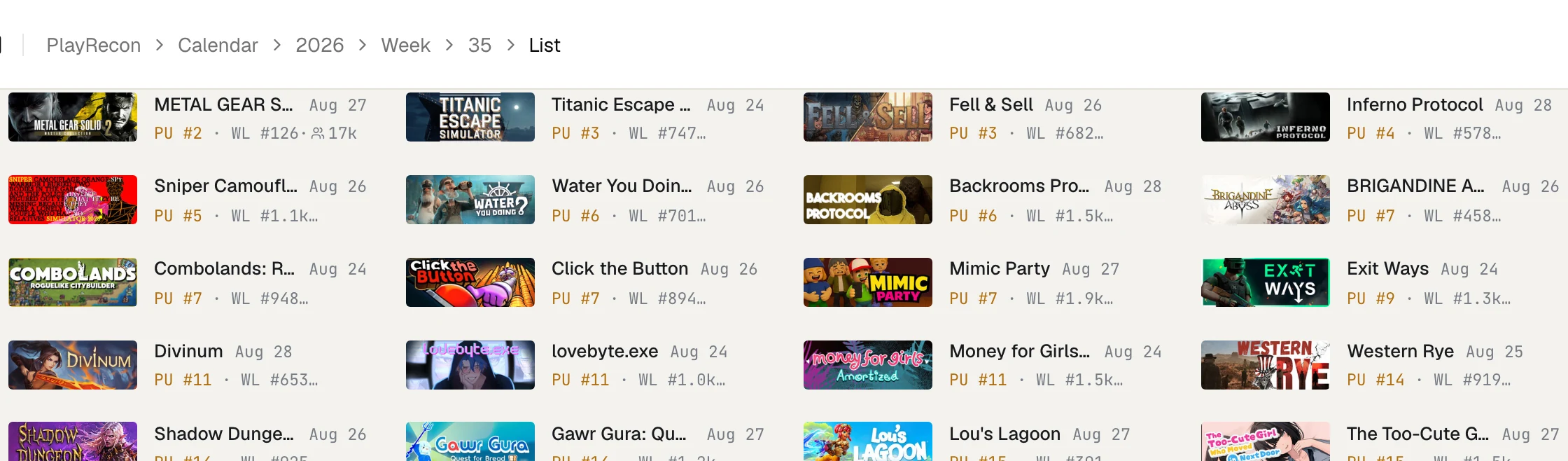
- Pick a period. Switch Weeks / Months / Quarters / Years at the top; arrows step to the previous or next period, Now returns to today. History goes back to 1997. TBA collects announced games without a date.
- Choose what tile area means. Score (default) blends followers with staying power on the Popular Upcoming chart; PU and WL size tiles purely by chart rank; Followers by community size.
- List, Mosaic or Publishers. The list, the default, shows 100 games per page with peak PU rank, wishlist rank, followers, reviews and demo CCU on each card; sort it by demand, date, followers or reviews. Mosaic shows the same games as tiles sized by demand. Publishers groups the window’s releases by the scale of their publisher.
- Filter by tag to narrow the whole page to your genre; the filter carries across periods while you navigate.
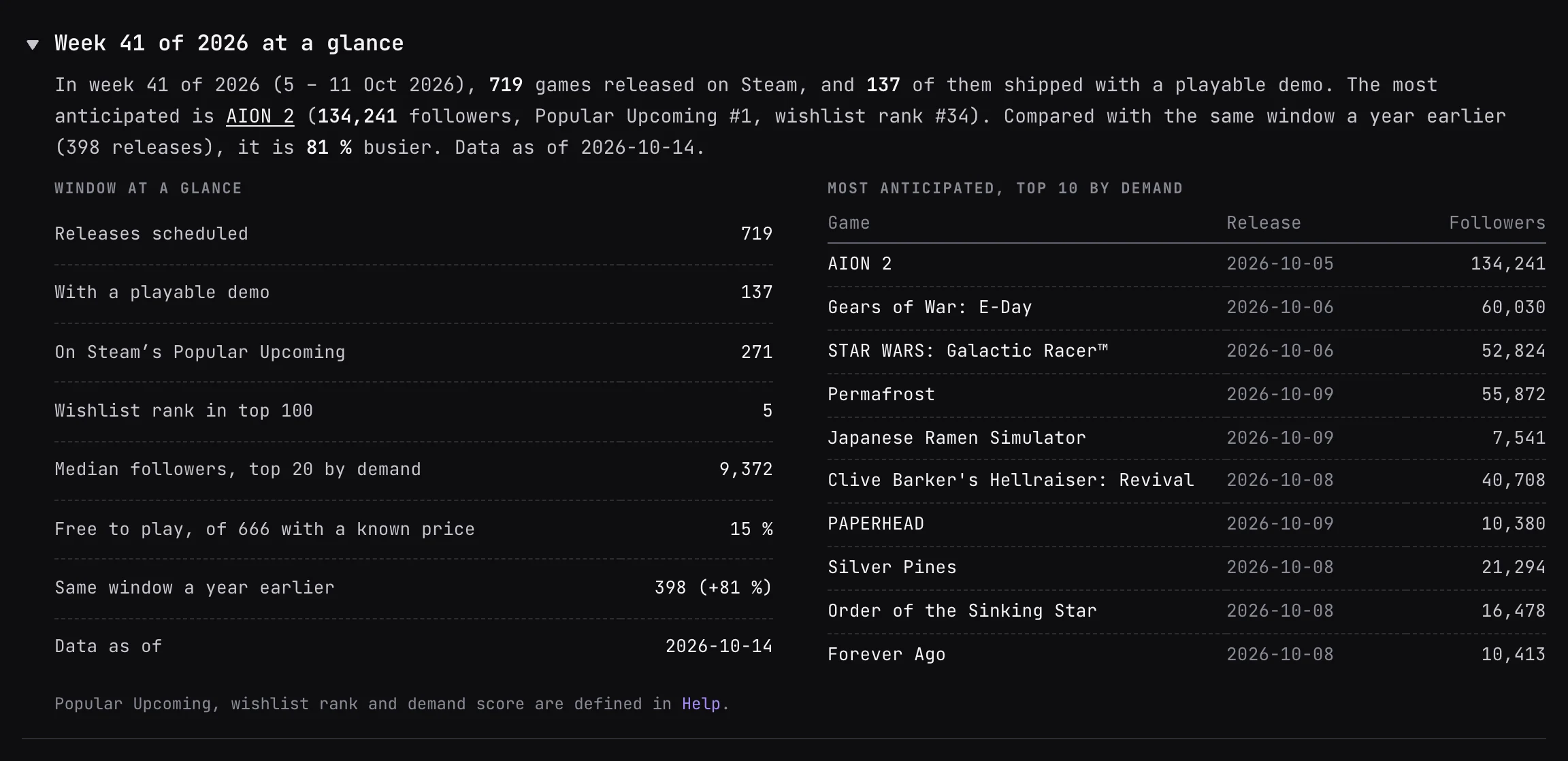
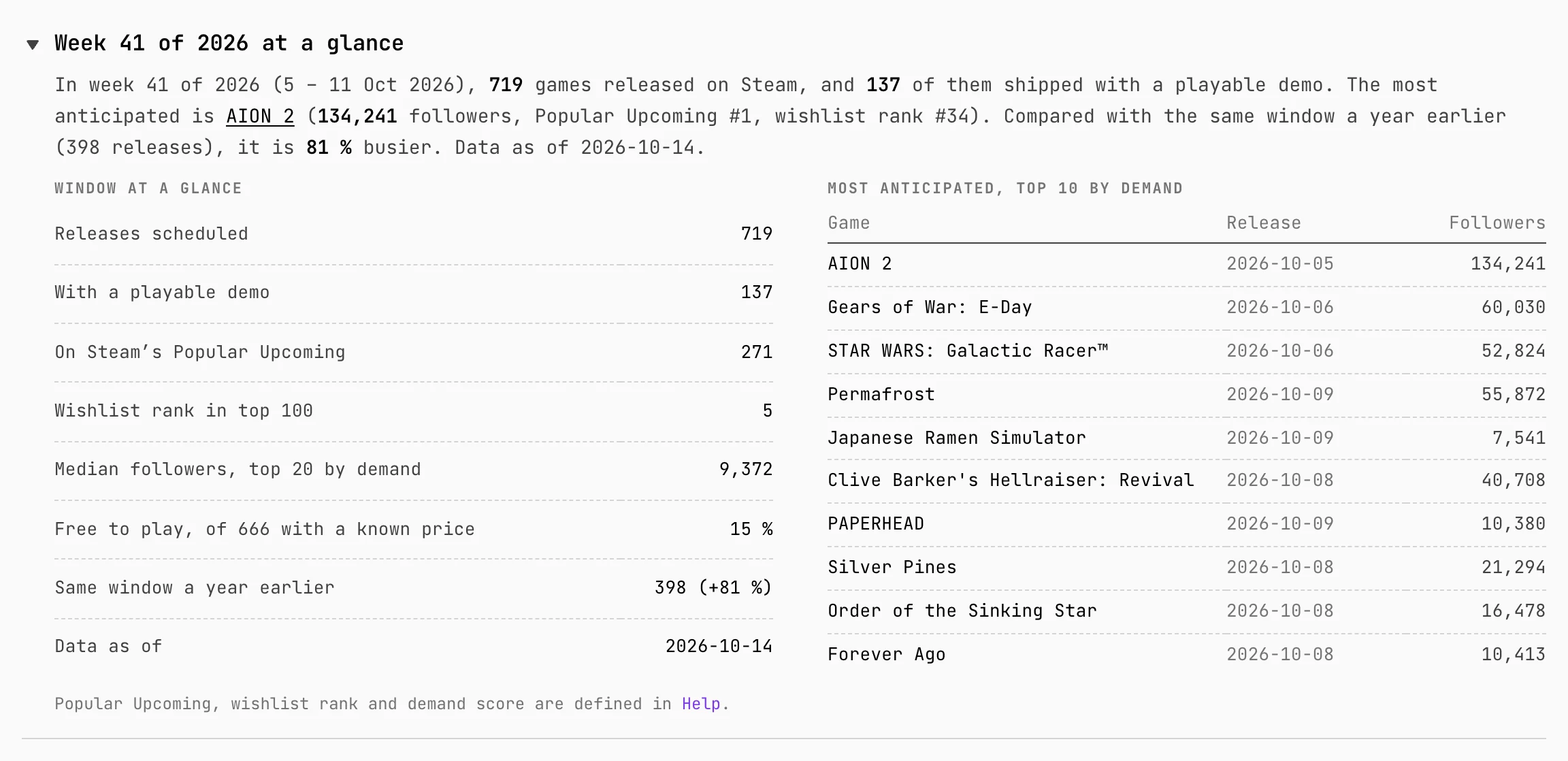


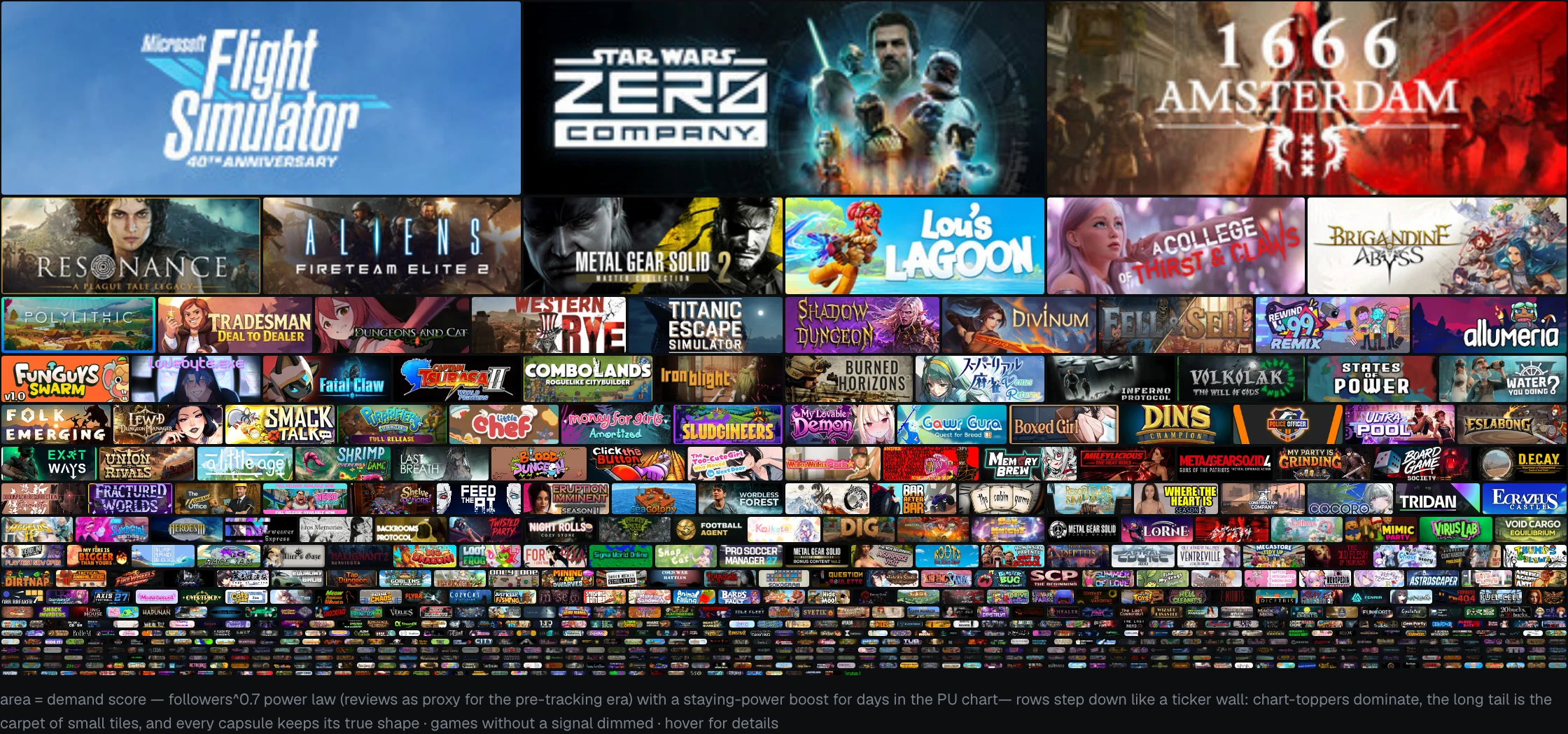
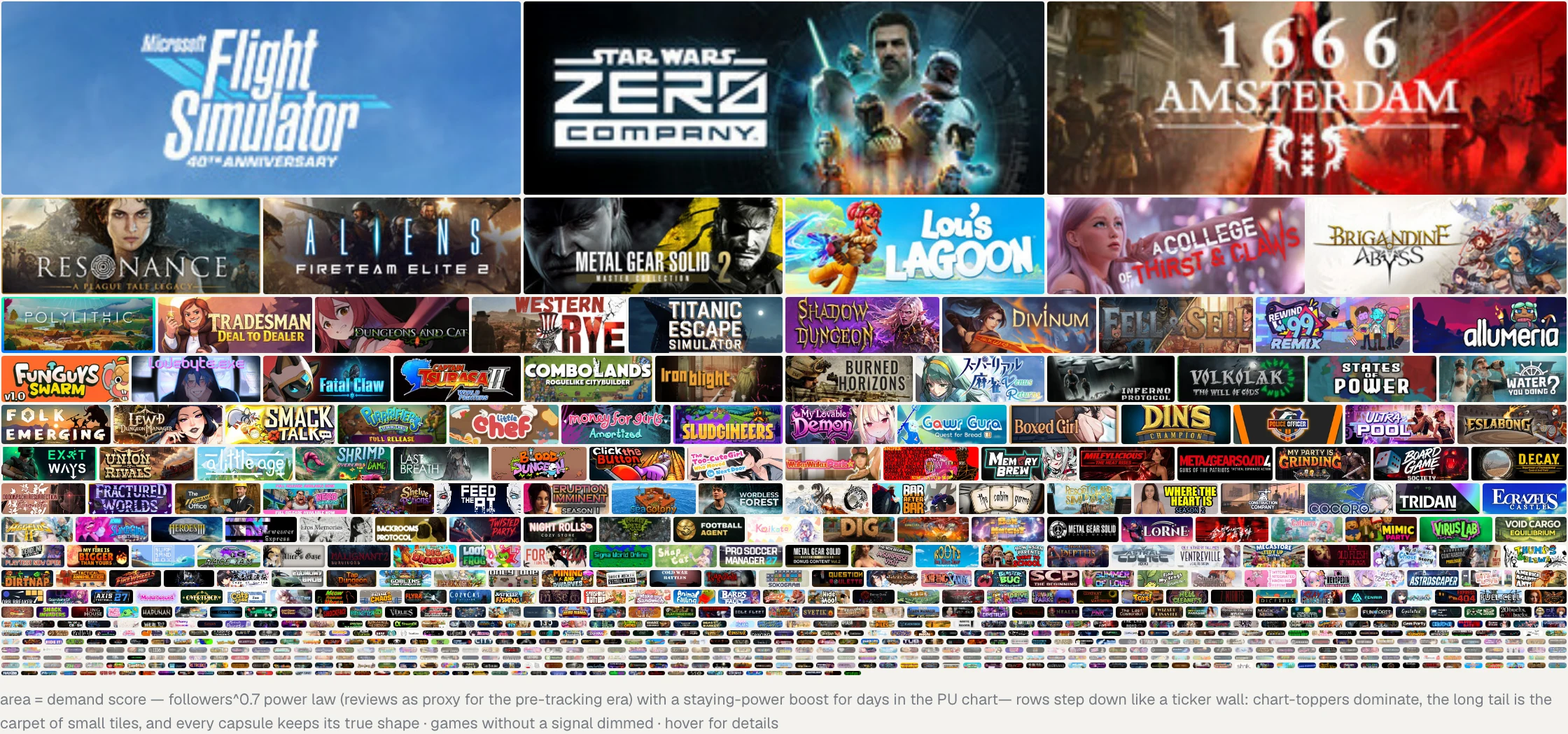
how the mosaic sizes tiles
Tiles are laid out in justified rows: every row spans the full width, all tiles in one row share the same size, and row heights step down as demand falls. Every capsule keeps Steam’s exact 231:87 proportions, so nothing is cropped: a game’s area stays proportional to its demand weight, quantized to its row. The weight depends on the selected tile-area metric:
| Score | (followers + 15)^0.7 × (1 + 0.3 × occupancy) | followers on a power law with a staying-power boost; games released before rank tracking substitute reviews × 3 for followers |
| PU / WL | 1 / rank^0.6 | peak chart position; PU is additionally multiplied by (1 + 0.66 × occupancy) |
| Followers | √followers + 0.35 | community size alone |
occupancy — the share of a game’s runway (first Popular Upcoming appearance → release) it actually held a chart spot. It rewards staying power without punishing games that announce a precise date late.